<img height="1" width="1" style="display:none;" alt="" src="https://px.ads.linkedin.com/collect/?pid=5387194&amp;fmt=gif">

Got a text from 07860 039 092?

If you’ve landed on this page, your hospital or health board uses DrDoctor to keep in touch about your care.

You can access your Patient Portal from any smartphone, tablet, or computer. No downloads. No account setup. Just click the secure link sent by your hospital or head to drdoctor.thirdparty.nhs.uk to get started.
Not sure if it's DrDoctor?

Yes, 07860 039 092 is our number

No need to worry. That’s the number we use to send messages on behalf of your NHS provider.

patient-communications-1

What is DrDoctor?

We work with 70+ NHS trusts and health boards across the UK. You might get appointment reminders, forms, letters, or updates from us. They’re always on behalf of your hospital or health board.

We’re not here to replace your NHS care team. We support them. Our tools help reduce paperwork, improve communication, and make your experience smoother.

Image - What does DrDoctor do_

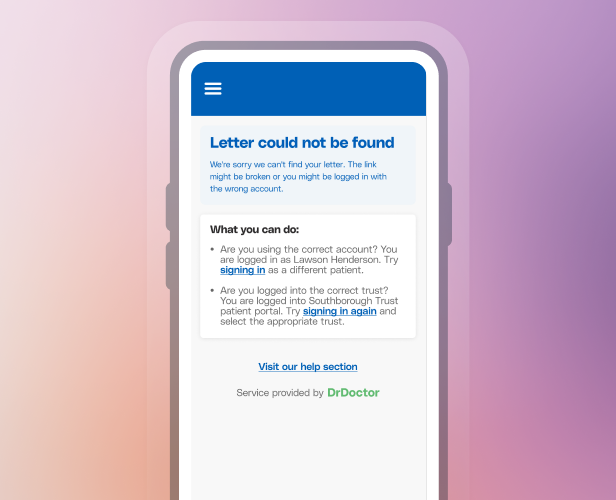
Troubleshooting

Getting started with your Patient Portal

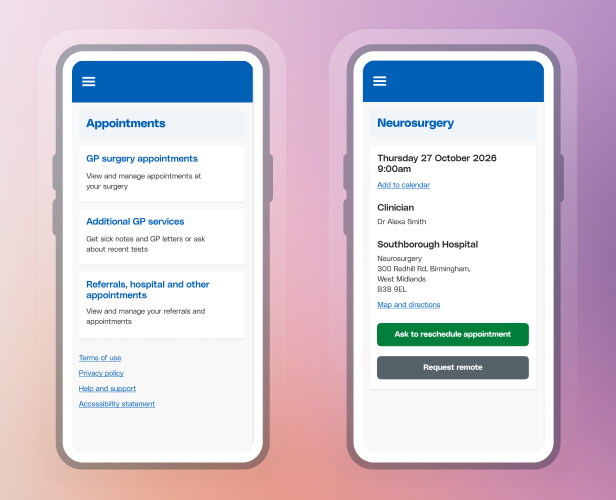
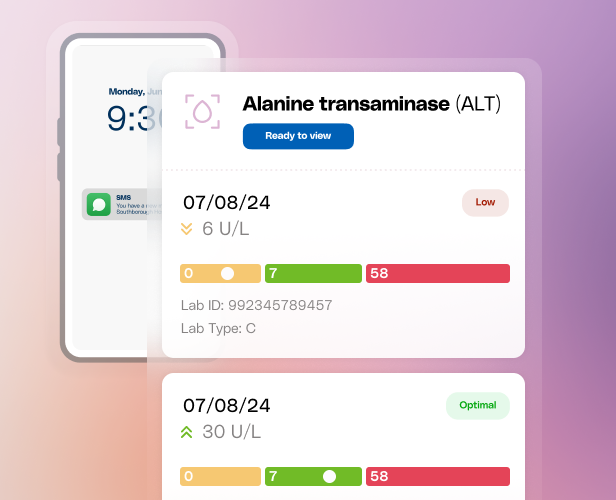
The Patient Portal is your secure, online space to stay on top of your care. You can view appointment details, read letters, fill out forms, update your info, and more, all in one place.

Image - Logging in

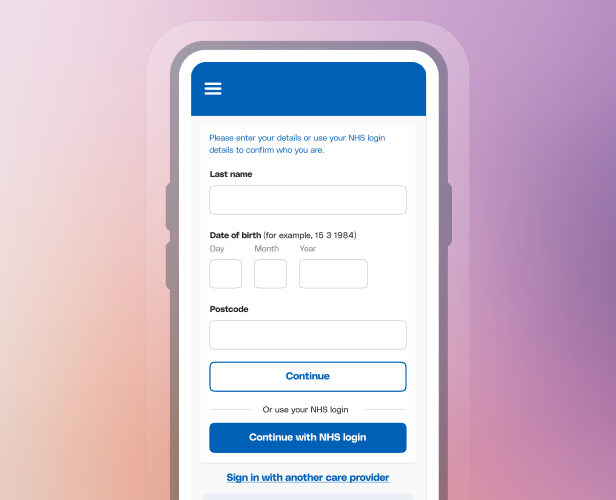
How do I sign in?

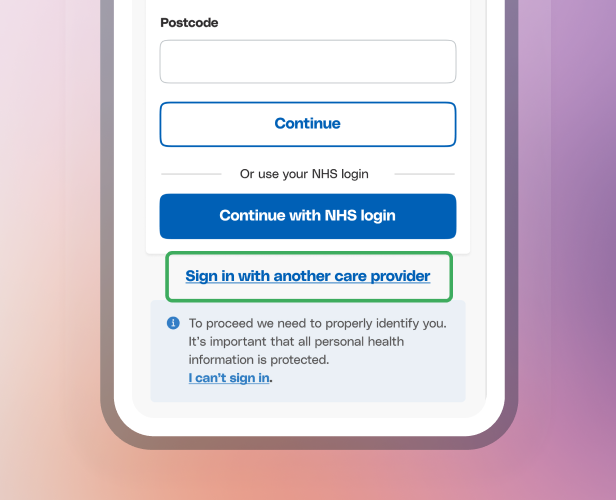
You’ll be offered one of two secure login options:

  • NHS login (for patients in England)
  • DrDoctor login (used outside of England or when NHS login isn’t available)

There’s nothing to download and no password to remember: your name, date of birth and postcode get you in.

Accreditations

Meeting the highest security standards for today's NHS

We know how important it is to keep your personal health information safe. That’s why DrDoctor meets and exceeds the strictest NHS and national standards for data protection and security. From how we store your data to how we handle messages, everything we do is designed with patient privacy in mind, and independently verified.

Cyber Essentials Plus Certified logo

Cyber Essentials Plus Certified

Data Security and Protection Toolkit Standards Exceeded badge

Data Security and Protection Toolkit (DSPT) Standards Exceeded

Image - DTAC

Digital Technology Assessment Criteria (DTAC) Pass

Frequently Asked Questions

Answers to the most common questions from patients about DrDoctor.

Is DrDoctor part of the NHS?

We work with NHS organisations to deliver patient communications and digital access to health information; we’re not part of the NHS itself.

I got a text from 07860 039 092. Is it a scam?

No, it is not a scam. 

That is a text sent by DrDoctor on behalf of your NHS provider. Save the number to your contacts, so next time you know it’s us.

What is my.drdoctor.co.uk?

My.drdoctor.co.uk is the URL for our secure patient portal used by NHS providers. Here, you have anytime access to your digital correspondence and updates from your care team.

How do I log in to DrDoctor?

Use the link in the text or email from your hospital, or go to drdoctor.thirdparty.nhs.uk. Enter your last name, date of birth and postcode, then pick the phone number shown. You will get a login code by text, or by phone call if that number is a landline.

Do I need to download an app or create an account?

No. To be more inclusive, the Patient Portal is fully web-based and works on any smartphone, tablet or computer. You can access everything through a single secure link with no downloads required or accounts to create.

Can’t find what you’re looking for?